The Developer's Guide to PDF Engines: Browser vs. Native Rendering
A technical comparison of browser-based PDF generation (Puppeteer, wkhtmltopdf) vs native engines (Typst, Cairo). Learn the trade-offs for your architecture.
 Typcraft Team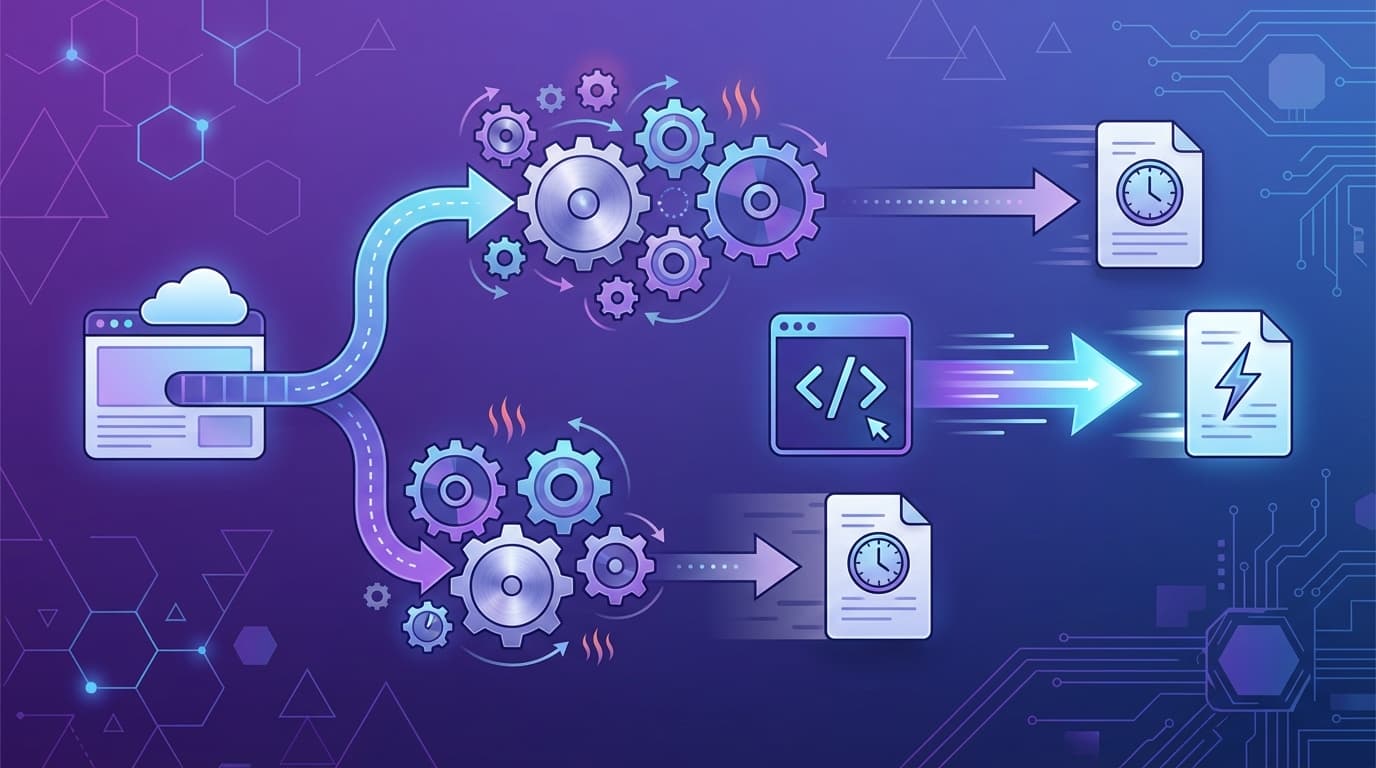
When you need to generate PDFs programmatically, you have a fundamental architectural choice: browser-based rendering or native document engines.
This isn't a "which product should I buy" comparison. It's a technical deep-dive into two different philosophies for turning data into documents. Understanding the trade-offs will help you make the right choice for your system.
The Two Philosophies#
Browser-based rendering treats PDF generation as a side effect of web rendering. You create HTML, load it in a headless browser, and export the rendered page as a PDF.
Native rendering uses purpose-built document engines that understand PDF as a first-class output format. You describe your document in a markup language or API, and the engine compiles directly to PDF primitives.
Neither approach is inherently "better." They optimize for different constraints.
How Browser-Based Engines Work#
The Pipeline#
- Launch headless browser: Start a Chromium, Firefox, or WebKit instance
- Load content: Navigate to a URL or inject HTML directly
- Render the page: Apply CSS, execute JavaScript, layout the DOM
- Export to PDF: Capture the rendered page using the browser's print-to-PDF functionality
Popular Implementations#
Puppeteer is the most widely used browser automation library. It controls headless Chromium and provides a clean API for PDF generation:
const browser = await puppeteer.launch();
const page = await browser.newPage();
await page.setContent(htmlContent);
const pdf = await page.pdf({ format: 'A4' });
await browser.close();
Playwright offers similar functionality with multi-browser support (Chromium, Firefox, WebKit). It's newer and has better TypeScript support.
wkhtmltopdf uses an older Qt WebKit engine. It's a standalone binary without the Node.js dependency, but its CSS support is stuck in 2012.
Architectural Characteristics#
| Aspect | Browser-Based |
|---|---|
| Memory per request | 200-500MB (full browser process) |
| Cold start | 2-5 seconds (loading browser binary) |
| Concurrency | Limited by RAM; each request needs its own process |
| CSS support | Excellent (current browser engine) |
| JavaScript | Full support; SPAs work |
| Learning curve | Low if you know HTML/CSS |
Where Browser-Based Shines#
- Existing HTML templates: If you've already invested in web-based document design
- JavaScript-heavy documents: Charts, interactive elements, client-side rendering
- Exact web parity: When the PDF must look identical to the web page
- Rapid prototyping: CSS is familiar; iteration is fast
Where Browser-Based Struggles#
- High volume: Memory and CPU overhead limits throughput
- Serverless: Large binary size causes cold starts
- Consistency: Rendering varies across browser versions and platforms
- Print-specific features: Page numbers, headers, footers require workarounds
How Native Engines Work#
The Pipeline#
- Parse document source: Read a markup language (Typst, LaTeX, ReportLab API)
- Layout calculation: Compute positions, handle pagination natively
- Render to PDF primitives: Write directly to PDF format (text, vectors, images)
Popular Implementations#
Typst is a modern document formatting system written in Rust. It compiles to PDF in milliseconds and is designed for embedding:
#set page(paper: "a4")
#set text(font: "Linux Libertine")

= Invoice \#2026-001

#table(
  columns: (1fr, auto, auto),
  [*Item*], [*Qty*], [*Price*],
  [Pro Plan], [1], [\$29.00],
)

*Total:* \$29.00
LaTeX/pdfTeX is the academic standard. Powerful but complex syntax, slower compilation, harder to embed in applications.
Cairo is a low-level 2D graphics library used by many PDF generators. It's not a document engine—you draw shapes and text manually.
ReportLab (Python) provides a programmatic API for PDF construction. Good for code-first document generation.
Prawn (Ruby) is similar to ReportLab—a code-based PDF builder.
Architectural Characteristics#
| Aspect | Native Engine (Typst) |
|---|---|
| Memory per request | 20-100MB (no browser) |
| Cold start | < 100ms (small binary) |
| Concurrency | High; CPU-bound, not memory-bound |
| CSS support | None (different paradigm) |
| JavaScript | None (documents are declarative) |
| Learning curve | Medium (new syntax to learn) |
Where Native Engines Shine#
- High volume: Generate thousands of documents per minute
- Serverless: Small binaries, instant cold starts
- Consistency: Same input always produces identical output
- Typography: Native support for proper kerning, ligatures, fonts
- Print features: Page numbers, headers, footers are first-class
Where Native Engines Struggle#
- Existing HTML templates: No direct migration path
- Team familiarity: Requires learning a new markup language
- Dynamic content: JavaScript-based rendering isn't possible
- Web preview: Matching web and PDF output requires separate templates
Performance Comparison#
These benchmarks are representative, not absolute. Your results will vary based on document complexity, server specs, and implementation details.
Single-Page Document#
| Engine | Generation Time | Memory |
|---|---|---|
| Puppeteer | 800ms - 2s | 250MB |
| wkhtmltopdf | 500ms - 1.5s | 150MB |
| Typst | 15 - 50ms | 30MB |
| LaTeX | 200ms - 1s | 100MB |
100-Page Document#
| Engine | Generation Time | Memory |
|---|---|---|
| Puppeteer | 15 - 40s | 500MB+ |
| wkhtmltopdf | 10 - 30s | 300MB |
| Typst | 1 - 3s | 80MB |
| LaTeX | 5 - 15s | 200MB |
Scaling Characteristics#
Browser-based engines scale linearly with memory. Each concurrent request needs its own browser process. At 500MB per request, a 4GB server handles ~8 concurrent generations.
Native engines are CPU-bound. They can share memory and scale with CPU cores. The same 4GB server might handle 50+ concurrent Typst compilations.
When to Choose Each#
Choose Browser-Based When:#
- You have existing HTML/CSS templates that work well
- Your team's strength is web development
- You need to render JavaScript-based content (charts, SPAs)
- Volume is low (under 1,000 documents/month)
- Documents are simple (1-5 pages, basic layouts)
- Exact web-to-PDF parity is required
Choose Native When:#
- You're building a new document system from scratch
- Volume is high (10,000+ documents/month)
- Serverless deployment is important
- Consistent output across environments is critical
- Documents are long or complex (50+ pages)
- Typography and print quality matter
The Hybrid Approach#
Some systems use both:
- Browser for preview: Designers work in familiar HTML/CSS
- Native for production: Server generates PDFs with native engine
- Sync layer: Template changes update both representations
This gives you the best of both worlds: familiar editing and fast generation. The cost is maintaining two rendering paths.
Migration Considerations#
From Browser-Based to Native#
- Audit your templates: Categorize by complexity and usage
- Prototype high-volume documents first: These benefit most from migration
- Accept visual differences: Native output won't be pixel-identical to browser output
- Plan for parallel operation: Run both systems during transition
Template Portability#
There's no automatic converter from HTML to Typst or LaTeX. Migration means recreating templates in the new format.
For simple documents (invoices, receipts), this takes hours. For complex documents (reports with charts, custom layouts), it takes days.
API Migration#
If you're switching PDF libraries, your API calls change:
// Browser-based (Puppeteer)
const pdf = await page.pdf({ format: 'A4' });

// Native (Typst CLI)
const pdf = execSync('typst compile template.typ --format pdf');

// Native (Typst as library via API)
const pdf = await typcraft.generate({
  templateId: 'invoice',
  data: invoiceData
});
The abstraction level differs. Browser-based APIs control a browser. Native APIs compile documents.
Making Your Decision#
Ask yourself these questions:
-
What's your volume? Under 1,000/month, browser-based is fine. Over 10,000/month, native pays off.
-
What's your deployment target? Serverless favors native (smaller cold starts). Dedicated servers can run either.
-
What are your team's skills? HTML/CSS expertise favors browser-based. Willingness to learn new tools favors native.
-
How complex are your documents? Simple documents work anywhere. Complex, long documents stress browser-based engines.
-
How important is consistency? If byte-identical output matters, native engines are more reliable.
Proof of Concept Approach#
Don't commit based on theory. Test with your actual documents:
- Pick your most problematic document (the one that's slow, inconsistent, or breaks)
- Recreate it in a native engine
- Benchmark both approaches with your real data
- Compare output quality, not just speed
The right choice depends on your specific constraints. But now you understand the trade-offs.
Want to try native PDF generation? Typcraft uses Typst under the hood. Generate your first document free.

Continue Reading

Why HTML-to-PDF Always Disappoints (And What to Use Instead)
The hidden problems with Puppeteer, wkhtmltopdf, and browser-based PDF generation. Real issues from production systems and better alternatives.
Generate PDF API: The Complete Guide to Programmatic PDF Generation in 2026
Learn how to generate PDFs via API with code examples in cURL, Python, and Node.js. Compare top PDF generation APIs, pricing, and find the right fit.