Why HTML-to-PDF Always Disappoints (And What to Use Instead)
The hidden problems with Puppeteer, wkhtmltopdf, and browser-based PDF generation. Real issues from production systems and better alternatives.
 Typcraft Team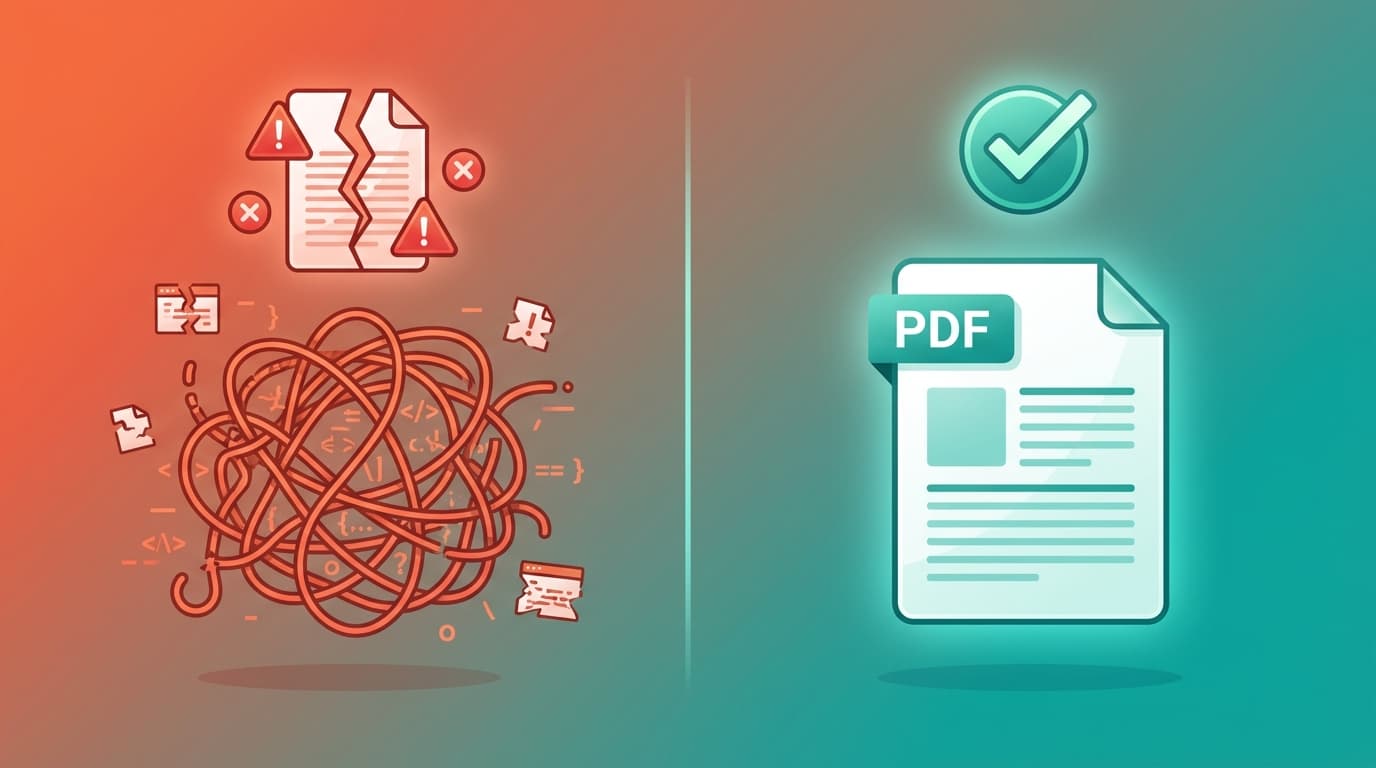
"Just render your HTML as a PDF!"
It sounds so simple. You already have HTML templates. Puppeteer is easy to set up. Ship it on Friday, move on to the next feature.
Then reality hits.
Fonts look wrong. Tables break across pages mid-row. Your 50-page report takes 30 seconds to generate. The Lambda function times out. And somehow, the same template renders differently on your colleague's machine.
If you've felt this pain, you're not alone. This post covers the five fundamental problems with HTML-to-PDF conversion and when you should consider alternatives.
The Promise vs. Reality#
HTML-to-PDF tools like Puppeteer, Playwright, and wkhtmltopdf work by loading a headless browser, rendering your HTML, and exporting the result as a PDF. In theory, this means you can use your existing web skills to create documents.
In practice, browsers were designed for screens, not paper. This mismatch creates problems that can't be fully solved without abandoning the browser-based approach entirely.
Problem 1: Font Rendering and Kerning#
Open any GitHub issue tracker for HTML-to-PDF tools, and you'll find endless complaints about fonts.
The problem is fundamental: browsers render fonts for screens at 72-96 DPI. PDFs are designed for print at 300+ DPI. This mismatch causes subtle but visible issues:
- Bad kerning: The spacing between letters looks wrong, especially in headings
- Font substitution: If a font isn't installed on the server, the browser picks a fallback
- Inconsistent rendering: The same font looks different on Linux vs. macOS vs. Windows
From wkhtmltopdf issue #45, a user reports: "The kerning for fonts in the output PDF is incorrect. Letters are spaced too far apart or overlap." This issue was opened in 2011 and remains a known limitation.
The workaround? Self-host every font, use system fonts only, or accept the inconsistency. None of these are great options.
Problem 2: Page Break Nightmares#
Print layouts have concepts that don't exist on the web: page breaks, headers, footers, and page numbers.
CSS has page-break-before and break-inside properties, but browser support is inconsistent. The result:
- Tables split mid-row, with headers on one page and data on the next
- Orphaned headings appear at the bottom of pages with their content on the next page
- Content overflows into margins or gets cut off entirely
You can fight this with CSS hacks, but you're swimming against the current. The browser doesn't think in pages because it was never designed to.
Problem 3: Performance at Scale#
This is where HTML-to-PDF really falls apart.
Every PDF generation request spins up a headless Chromium instance. That's a full browser—hundreds of megabytes of memory—for each document. At scale, this becomes a serious problem.
From Puppeteer issue #3847: "Having HTML that results in 50-60 pages PDF, Puppeteer can take more than 20 seconds to convert it to PDF."
The numbers get worse as documents grow:
| Document Size | Typical Generation Time |
|---|---|
| 1-5 pages | 1-3 seconds |
| 50 pages | 15-30 seconds |
| 100 pages | 30-60 seconds |
| 500+ pages | Timeout or crash |
From issue #7897, a user reports: "Generating PDFs with up to 2000 pages can cause Puppeteer/Chromium to hang."
If you're generating thousands of documents per day, these performance characteristics don't work. You'll need a fleet of servers, complex queuing systems, and still face reliability issues.
Problem 4: CSS Support Gaps#
Not all CSS works in all PDF renderers.
wkhtmltopdf uses an old Qt WebKit engine frozen around 2012. Modern CSS features don't work:
- CSS Grid: Partial support at best
- Flexbox: Works sometimes, breaks mysteriously other times
- Modern selectors: Hit or miss
Puppeteer and Playwright use current Chromium, so CSS support is better. But you're still dealing with the print media context, which behaves differently from screen. Animations, transitions, and viewport-relative units cause problems.
The debugging experience is also painful. You can't just open Chrome DevTools and see what's happening. The headless browser runs in a black box.
Problem 5: Serverless Cold Starts#
Deploying Puppeteer to serverless platforms is a special kind of pain.
Chromium binaries are 50-130MB depending on the platform. This means:
- Cold starts of 3-5+ seconds: The binary needs to load before your function can run
- Memory requirements: You need at least 1GB of RAM for reliable operation
- Platform-specific binaries: Deploying to ARM64 vs. x86 requires different builds
From the codepasta optimization guide: "A cold start on Lambda is 5 seconds, so building a service that keeps pinging the PDF service to keep instances warm can reduce this."
You're paying to keep functions warm just to avoid cold start latency. That's not how serverless is supposed to work.
Why These Problems Can't Be Fixed#
These aren't implementation bugs. They're architectural limitations.
Browsers were built to render interactive web pages on screens. PDFs were designed for static documents on paper. Trying to bridge this gap through screenshots is fundamentally limited.
The browser's layout engine optimizes for:
- Variable viewport sizes
- Infinite scroll
- Interactive elements
- Screen rendering
Documents need:
- Fixed page dimensions
- Precise page breaks
- Consistent output across environments
- Print-quality typography
No amount of engineering can fully reconcile these goals.
The Alternative: Native PDF Engines#
If you're hitting these limits, it's time to look at purpose-built document engines.
Typst is a modern document formatting system designed from the ground up for PDF generation. It compiles directly to PDF primitives without browser overhead.
The performance difference is dramatic:
| Metric | Browser-Based | Native (Typst) |
|---|---|---|
| Single page | 500ms - 2s | 10 - 50ms |
| 100 pages | 20 - 60s | 1 - 3s |
| Memory usage | 500MB+ | 50 - 100MB |
| Cold start | 3 - 5s | < 100ms |
Beyond performance, native engines offer:
- Consistent output: Same input always produces identical output
- Native typography: Proper kerning, ligatures, and font handling
- Built-in pagination: Headers, footers, and page breaks just work
- Smaller footprint: No browser binary to deploy
The trade-off is learning a new syntax. Typst uses a markup language that's simpler than LaTeX but different from HTML. If your team lives in HTML/CSS, there's a learning curve.
When to Stick with HTML-to-PDF#
Browser-based PDF generation isn't always wrong. It makes sense when:
- You already have HTML templates: If you've invested heavily in HTML templates and generate low volumes, rewriting may not be worth it
- Single-page, simple documents: Receipts, tickets, and simple one-pagers work fine
- Low volume: Under 1,000 documents per month, performance isn't critical
- Pixel-perfect web recreation: If you need the PDF to look exactly like a webpage, browser rendering is the only way
For these cases, optimize what you have:
- Use
page.setContent()instead ofpage.goto()for faster loading - Pool browser instances instead of creating new ones per request
- Simplify CSS and avoid complex layouts
- Self-host all fonts and assets
Making the Switch#
If you've decided to move away from browser-based generation, here's how to approach it:
-
Audit your documents: Which ones cause the most problems? Start there.
-
Prototype with the new engine: Recreate one template to understand the learning curve and output quality.
-
Benchmark your workload: Run your actual data through both systems and compare performance.
-
Plan for migration: You don't need to switch everything at once. New templates can use the new engine while legacy templates continue on the old system.
-
Consider hybrid approaches: Some platforms use browser rendering for preview (familiar editing experience) and native rendering for production (consistent output, fast generation).
The Bottom Line#
HTML-to-PDF tools are convenient until they're not. The problems—fonts, page breaks, performance, CSS support, cold starts—stem from a fundamental mismatch between browser rendering and document generation.
For simple, low-volume use cases, browser-based tools are fine. For anything more demanding, purpose-built document engines like Typst offer better performance, consistency, and reliability.
The question isn't whether you'll hit these limits. It's when.
Building high-volume document automation? Try Typcraft free and generate your first PDF in under 100ms.

Continue Reading
The Developer's Guide to PDF Engines: Browser vs. Native Rendering
A technical comparison of browser-based PDF generation (Puppeteer, wkhtmltopdf) vs native engines (Typst, Cairo). Learn the trade-offs for your architecture.
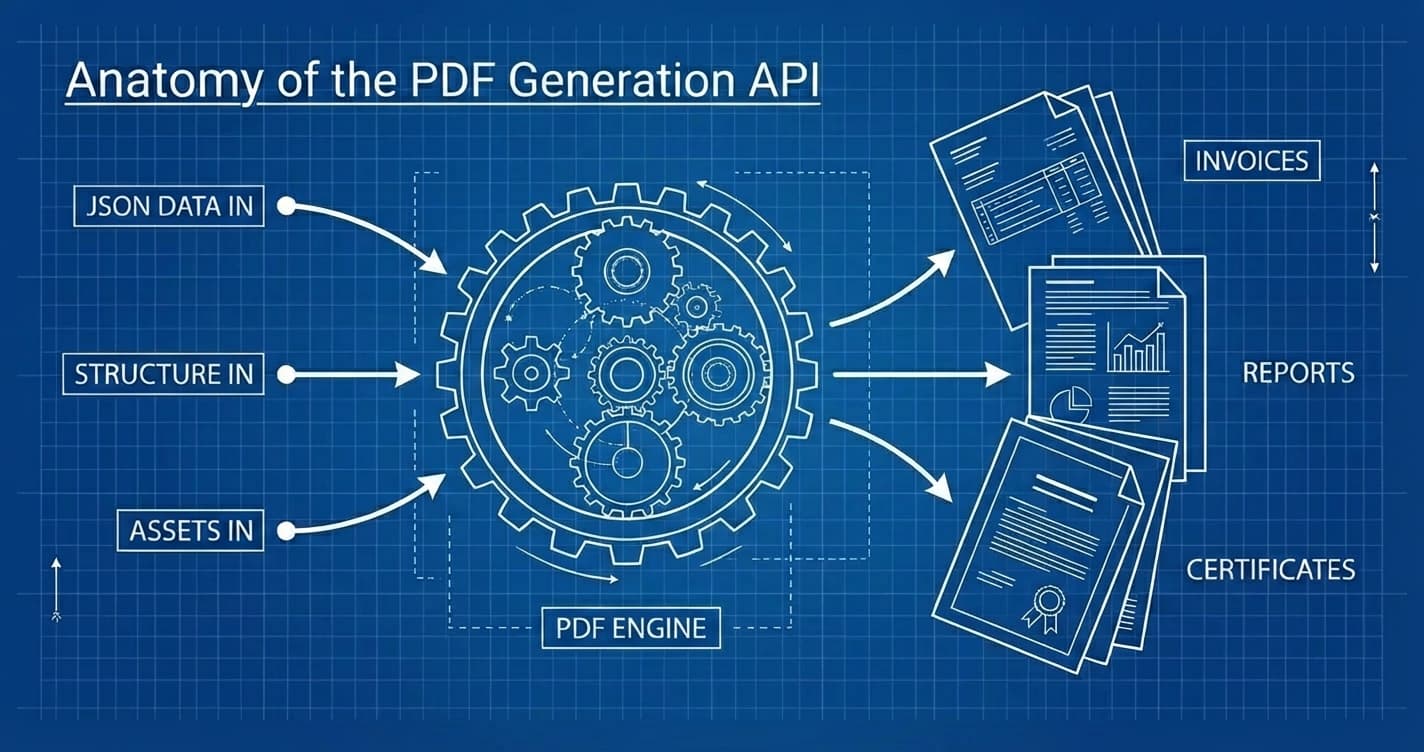
Generate PDF API: The Complete Guide to Programmatic PDF Generation in 2026
Learn how to generate PDFs via API with code examples in cURL, Python, and Node.js. Compare top PDF generation APIs, pricing, and find the right fit.