From Design to 10,000 PDFs: Document Automation Playbook
A practical framework for automating document generation. Identify high-impact documents, choose the right tools, and calculate your ROI.
 Typcraft Team
Most businesses don't realize how much time they spend creating documents. It's death by a thousand paper cuts—five minutes here, ten minutes there—until someone calculates the total.
This playbook helps you identify which documents to automate, choose the right approach, and build a system that scales.
The Hidden Cost of Manual Documents#
Let's do the math for a mid-size business:
| Document | Frequency | Time Each | Monthly Hours |
|---|---|---|---|
| Invoices | 500/month | 5 min | 42 hours |
| Proposals | 50/month | 30 min | 25 hours |
| Contracts | 100/month | 15 min | 25 hours |
| Reports | 20/month | 45 min | 15 hours |
| Certificates | 200/month | 3 min | 10 hours |
| Total | 117 hours |
That's nearly three full-time weeks every month spent creating documents.
But time isn't the only cost:
- Error rate: Manual data entry has a 1-3% error rate. At 870 documents/month, that's 9-26 documents with mistakes.
- Inconsistency: Different people create different versions. Your brand looks fragmented.
- Opportunity cost: What else could that time be spent on?
The Four Levels of Document Automation#
Not all automation is equal. Choose the level that matches your volume and complexity.
Level 1: Mail Merge#
Tools: Microsoft Word, Google Docs Best for: Under 100 documents/month
The simplest approach: create a template with placeholders, connect a spreadsheet, generate documents.
Pros:
- Zero learning curve
- Free with existing tools
- Works for simple documents
Cons:
- Manual trigger (someone clicks "merge")
- Limited formatting control
- No API integration
Example: A small law firm generates 50 engagement letters per month using Word mail merge.
Level 2: Template + No-Code Automation#
Tools: Zapier + Google Docs, Make + PDF generator Best for: 100-500 documents/month
Add automation triggers: when a form is submitted, when a deal closes, when a payment is received.
Pros:
- No coding required
- Integrates with existing tools
- Automated triggers
Cons:
- Slow (30-60 seconds per document)
- Limited template complexity
- Per-execution costs add up
Example: An event company generates certificates when attendees complete a course. Zapier detects the completion and triggers certificate generation.
Level 3: API-First Document Generation#
Tools: Typcraft, CraftMyPDF, PDFMonkey Best for: 500-50,000 documents/month
Move document generation into your codebase. Templates are designed visually, then called via API.
Pros:
- Fast (sub-second generation)
- Complex logic and data
- Scales horizontally
- Bulk generation
Cons:
- Requires developer integration
- Monthly subscription cost
- Learning curve for template design
Example: A SaaS company generates 8,000 invoices monthly. Their billing system calls the API at the end of each billing cycle.
Level 4: Enterprise Document Pipeline#
Tools: Custom system + API providers Best for: 50,000+ documents/month
At enterprise scale, you need a document operations platform: multiple templates, approval workflows, versioning, audit logs, multi-system integration.
Pros:
- Complete control
- Complex workflows
- Compliance-ready
- Multi-department
Cons:
- Significant investment
- Dedicated team needed
- Longer implementation
Example: A financial services company generates 200,000 statements monthly across 15 document types with regulatory compliance requirements.
Choosing Which Documents to Automate#
Not all documents have equal ROI. Prioritize based on:
High Impact (Automate First)#
Documents that are:
- High volume: 100+ per month
- Templated: Same format, different data
- Time-sensitive: Delays cost money or relationships
Examples:
- Invoices and receipts
- Certificates and credentials
- Contracts and agreements
- Order confirmations
Medium Impact (Automate Next)#
Documents that are:
- Moderate volume: 20-100 per month
- Semi-templated: Core structure with custom sections
- Important but not urgent
Examples:
- Monthly reports
- Statements
- Tickets and badges
- Marketing materials (personalized)
Low Impact (Automate Later or Never)#
Documents that are:
- Low volume: Under 20 per month
- Highly custom: Each one is different
- Creative: Design matters more than speed
Examples:
- One-off presentations
- Custom proposals (negotiated)
- Creative designs
The Implementation Roadmap#
Week 1: Audit and Select#
Day 1-2: List every document your company creates
- Interview department heads
- Check shared drives
- Review email attachments
Day 3-4: Quantify each document
- Monthly volume
- Time to create
- Error frequency
- Who creates them
Day 5: Prioritize
- Calculate hours saved per document type
- Rank by impact
- Select top 1-3 for Phase 1
Week 2: Design and Build#
Day 1-2: Template design
- Gather existing examples (best version)
- Identify data fields
- Map data sources
Day 3-4: Build in your chosen tool
- Create template
- Set up data binding
- Test with sample data
Day 5: Integration
- Connect to trigger (API, webhook, cron)
- Set up delivery (email, storage)
- Error handling
Week 3: Test and Deploy#
Day 1-2: Pilot
- Generate 10-20 real documents
- Compare to manually created versions
- Fix issues
Day 3-4: Train
- Document the process
- Train team members
- Update SOPs
Day 5: Go live
- Switch to automated system
- Monitor for issues
- Celebrate
Ongoing: Optimize and Expand#
- Track metrics (time saved, errors prevented)
- Gather feedback
- Add more document types
- Improve templates based on usage
ROI Calculator#
Simple formula:
Monthly savings = (Manual hours × Hourly rate) - Tool cost

Manual hours = Documents × Time per document
Example:
Invoices: 500/month × 5 minutes = 42 hours
Hourly rate: $35/hour
Manual cost: 42 × $35 = $1,470/month

Tool cost: $50/month (API subscription)

Monthly savings: $1,470 - $50 = $1,420
Annual savings: $17,040

Break-even: < 1 month
Even modest automation pays for itself quickly.
Common Mistakes#
Over-Engineering V1#
The mistake: Building a perfect system with every feature before launching.
The fix: Start with one document type. Get it working. Then expand.
Ignoring Edge Cases#
The mistake: Designing for the happy path only. First unusual document breaks everything.
The fix: Test with your messiest data. What happens with 200 line items? Missing fields? Special characters?
Not Measuring Before and After#
The mistake: Can't prove ROI because you didn't track the baseline.
The fix: Before automation, record how long documents actually take. Include context-switching, fixing errors, and finding data.
Choosing the Wrong Level#
The mistake: Building a Level 4 enterprise system when you need Level 2 no-code automation.
The fix: Match your automation level to your actual volume and complexity. You can upgrade later.
Forgetting Maintenance#
The mistake: Building automation and walking away. Six months later, templates are outdated and integrations are broken.
The fix: Schedule quarterly reviews. Assign an owner. Include in onboarding.
Checklist: Ready to Automate?#
Use this checklist to evaluate readiness for each document type:
- Volume is at least 50/month (otherwise, ROI is low)
- Format is standardized (variations are limited)
- Data source is accessible (API, database, or structured export)
- Stakeholders are identified (who approves changes?)
- Success metrics are defined (time saved, errors reduced)
- Fallback plan exists (what if automation fails?)
If you can check all boxes, you're ready.
Quick Wins to Start Today#
Even without full automation, you can reduce document creation time:
-
Create a template library: Standardize your best documents. Everyone uses the same starting point.
-
Build a data entry form: Instead of free-form input, create structured forms that capture required fields.
-
Document your process: Write down how documents are created today. This becomes your automation spec later.
-
Clean your data: Automation is only as good as your data. Fix inconsistencies in names, addresses, and formats.
-
Track time: For one week, log how long documents actually take. This baseline drives ROI calculations.
The Bottom Line#
Document automation isn't about technology. It's about reclaiming time for work that matters.
Start with one high-volume, templated document. Build a simple automation. Measure the results. Then expand.
The companies that automate documents well aren't the ones with the fanciest tools. They're the ones who pick the right documents, implement incrementally, and maintain what they build.
Ready to automate your first document? Start with Typcraft's free tier and see how fast you can go from template to 10,000 PDFs.

Continue Reading
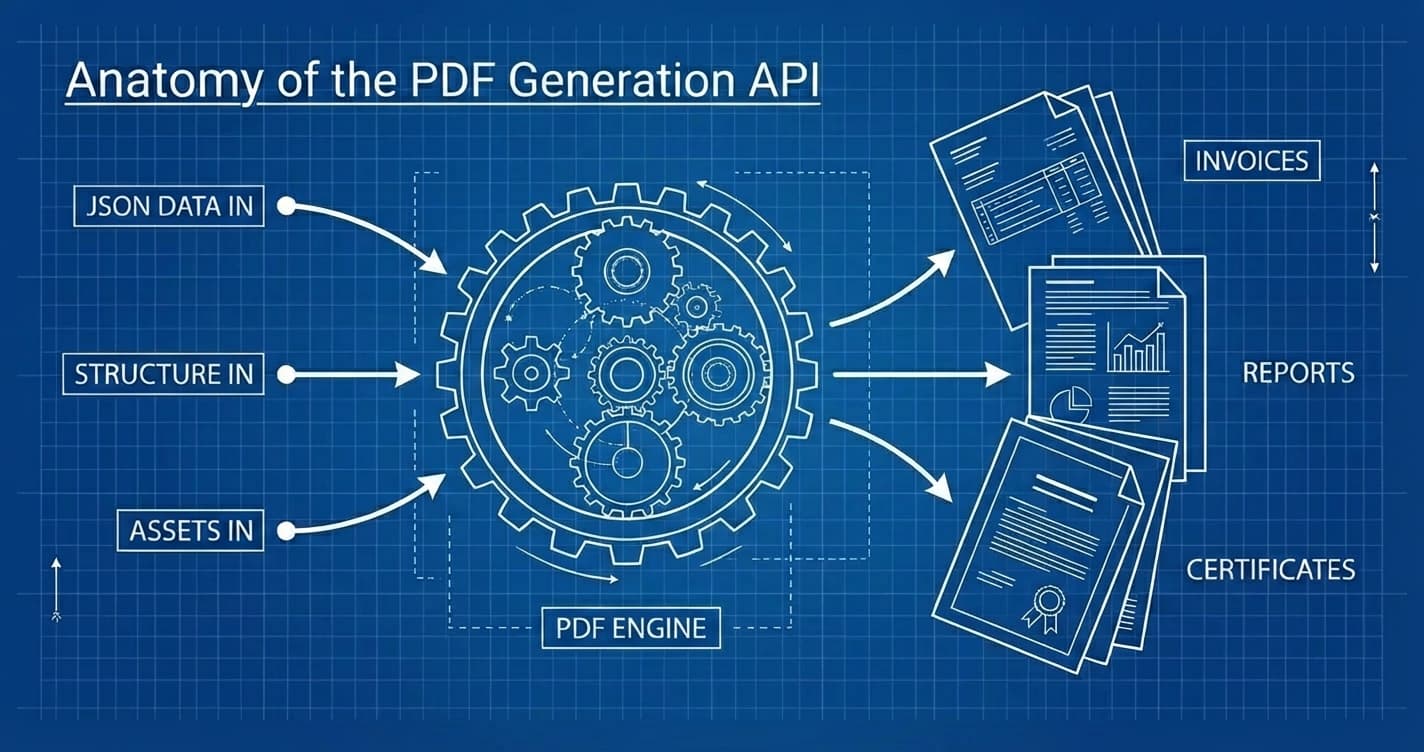
Generate PDF API: The Complete Guide to Programmatic PDF Generation in 2026
Learn how to generate PDFs via API with code examples in cURL, Python, and Node.js. Compare top PDF generation APIs, pricing, and find the right fit.
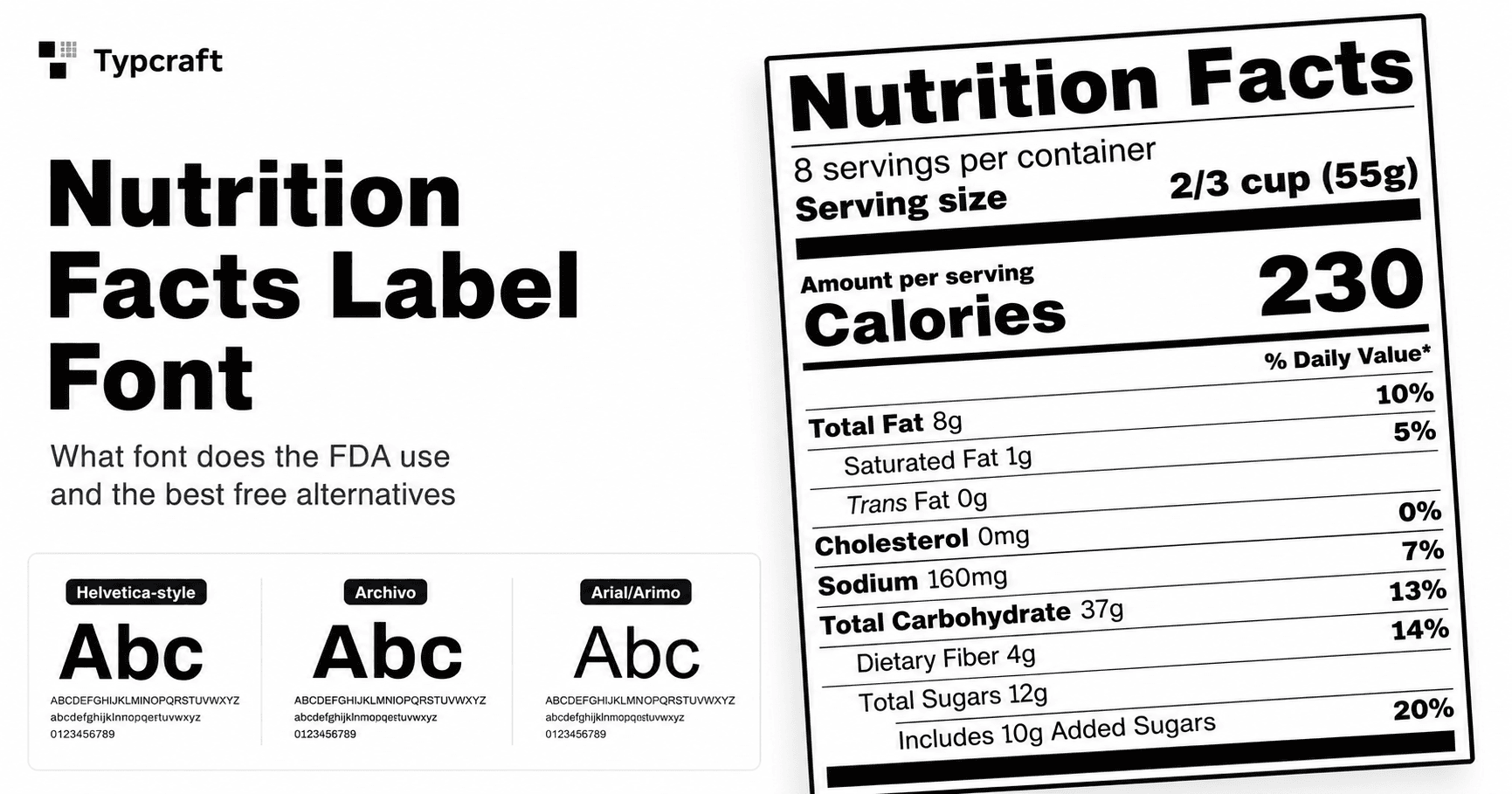
Nutrition Facts Label Font: What FDA Labels Use
Learn what font style Nutrition Facts labels use, whether FDA requires Helvetica, and which free font alternatives work for FDA-style layouts.

Batch Invoice Generation at Scale: Complete API Guide
Build automated invoice generation for your SaaS. From template design to 10,000 invoices per hour with working code examples.